Backup power marketing quietly assumes an unlimited budget — flagship stations, expansion batteries, solar arrays. A tight budget forces a better question: what actually matters first? The honest answer is that the most important layers of outage resilience are also the cheapest ones, and the expensive gear mostly buys comfort, not safety.
The priority order when every dollar counts
When money is tight, buy in this order:
- Communication. Phones are your outage lifeline — emergency information, family contact, flashlight, and a mobile hotspot when home internet dies. Keeping them charged is priority one and costs the least.
- Internet. Work, school, and information increasingly assume a connection. Keeping the router and modem alive through short outages is the second-cheapest win.
- Work devices. A laptop through a workday, if your income depends on it.
- Comfort. Fans, bigger lights, TV, and refrigeration strategies come last — they’re the most expensive watts on the list.
Notice what’s absent: nothing here requires a four-figure purchase. The Gear Finder applies this same logic if you want a recommendation matched to your situation.
Stage one: a large power bank
A 20,000–27,000mAh power bank (roughly 74–100Wh) is the single best first dollar spent on backup power. A modern phone holds about 15–20Wh, so after conversion losses a bank that size delivers several full charges — several days of careful phone use. It also runs USB lights and rechargeable lamps, tops up earbuds and tablets, and earns its keep year-round as travel gear.
Two habits make it count: keep it charged (a bank at 20% is a promise, not a plan), and prefer models with USB-C in and out so one cable covers everything.
Stage two: keep the internet up
A router and modem together typically draw 15–25W — tiny loads that are cheap to back up. Two good options:
- A small UPS. Plug the router and modem into it and short outages simply don’t happen to your internet: no reboot, no dropped calls, often an hour or more of runtime at these wattages. This is the set-and-forget option.
- A second large power bank with the right 12V or USB-C adapter for your router — cheaper, but you must verify voltage and amperage match, and you’ll be swapping plugs mid-outage.
If choosing between the two families is unclear, power station vs UPS vs power bank breaks down what each is actually for. To see how long any battery carries your specific router, the Battery Runtime Calculator takes ten seconds.
Stage three: a small power station, when you can
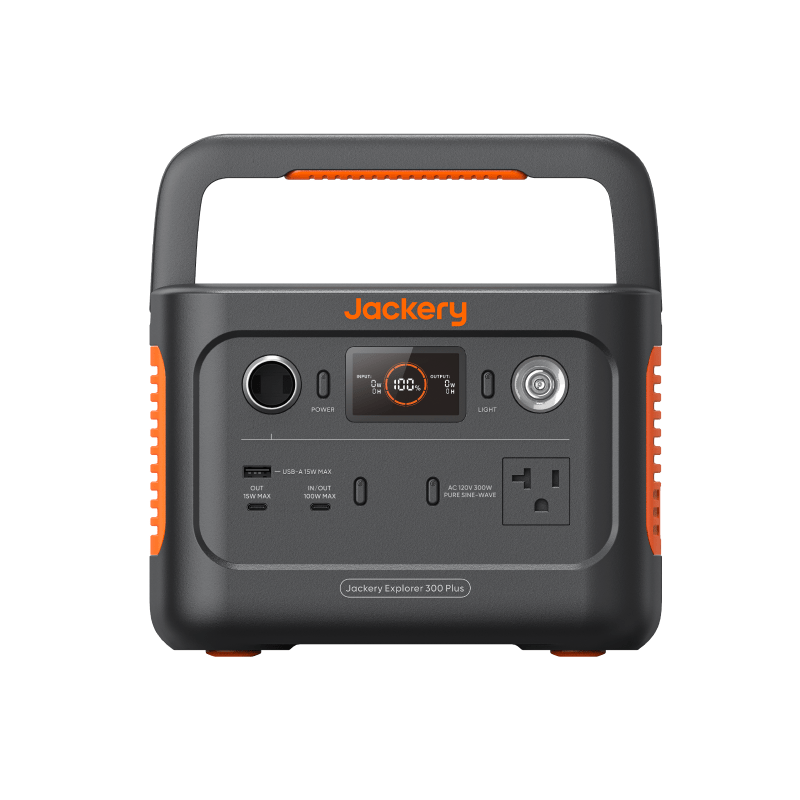
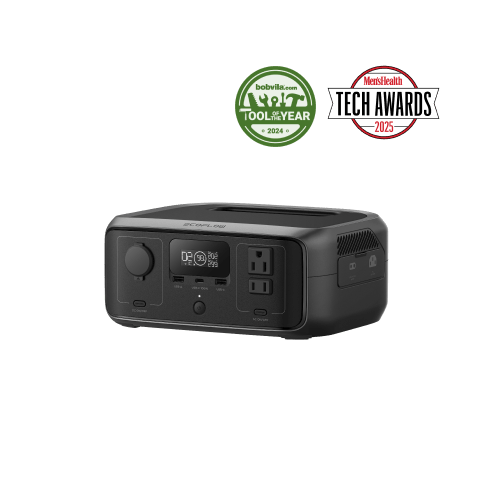
Once phones and internet are covered, a station in the under-300Wh or 300–500Wh class adds real breadth: a laptop workday, lights, a fan overnight, and recharging everything else. Size it from your actual devices — the math in how to choose a power station without overspending applies doubly on a budget, because the class-to-class price jumps are exactly the money you’re protecting.
Staging the purchases
Spreading the plan over months keeps it affordable and lets each purchase prove the next one is needed:
| Stage | What to buy | What it covers | Typical cost |
|---|---|---|---|
| First | 20,000–27,000mAh power bank | Phones, USB lights, small gear for days | ~$25–$60 |
| Second | Small UPS for router + modem | Internet through short outages, no reboots | ~$60–$150 |
| Third | Under-300Wh or 300–500Wh power station | Laptop workday, lights, fan, recharging the bank | ~$150–$350 |
| Later, if proven | Larger station or a solar panel | Multi-day outages, comfort loads | Only when a real need shows up |
Prices are rough category ranges as of this writing, not quotes — the point is the ratio. The first two stages together cost a fraction of one mid-size station and cover the needs that actually matter in most outages.
What to deliberately skip at first
- 1,000Wh-plus stations and expansion batteries. Capacity you haven’t proven you need.
- Solar panels. Worthwhile eventually, but only after you own a station worth recharging.
- Accessory bundles and “emergency kits.” Mostly markup around cables you may already own.
- A second of anything before the first has been through a real outage.
Used and refurbished: proceed carefully
Battery wear is invisible from the outside, and every charge cycle spends a little capacity. Manufacturer-refurbished units with a real warranty can be honest value. Used units from private sellers are a gamble — unknown cycle count, unknown storage conditions, no recourse. If you go that route, test capacity right away: run a known load and compare the result against the unit’s rating while you can still return it.
Red flags on cheap units
A tight budget makes quality more important, because you can’t afford to buy twice. Walk away from:
- Capacity that defies physics. Batteries have real weight; a featherweight unit claiming enormous capacity is misstating something.
- No watt-hours listed anywhere — only vague mAh figures or “capacity” with no units.
- Output claims without a continuous rating. A peak number alone hides what the unit can actually sustain.
- No safety certification marks, no warranty terms, no reachable support.
- A price far below the going rate per watt-hour for its class — in batteries, dramatic outliers are usually mislabeled, not miracles.
Next steps
- Get a setup matched to your budget and needs in the Gear Finder.
- Check what any battery really runs with the Battery Runtime Calculator.
- See budget and premium picks side by side in the comparison hub.