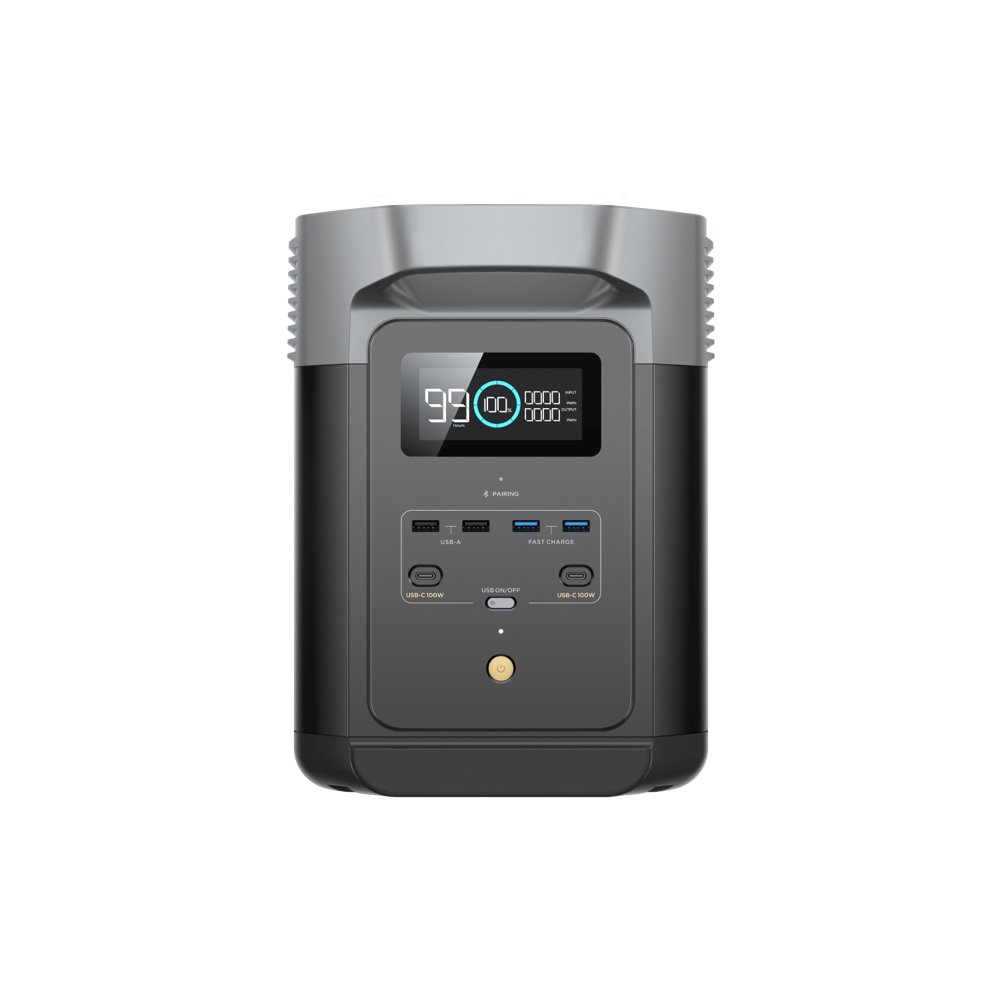
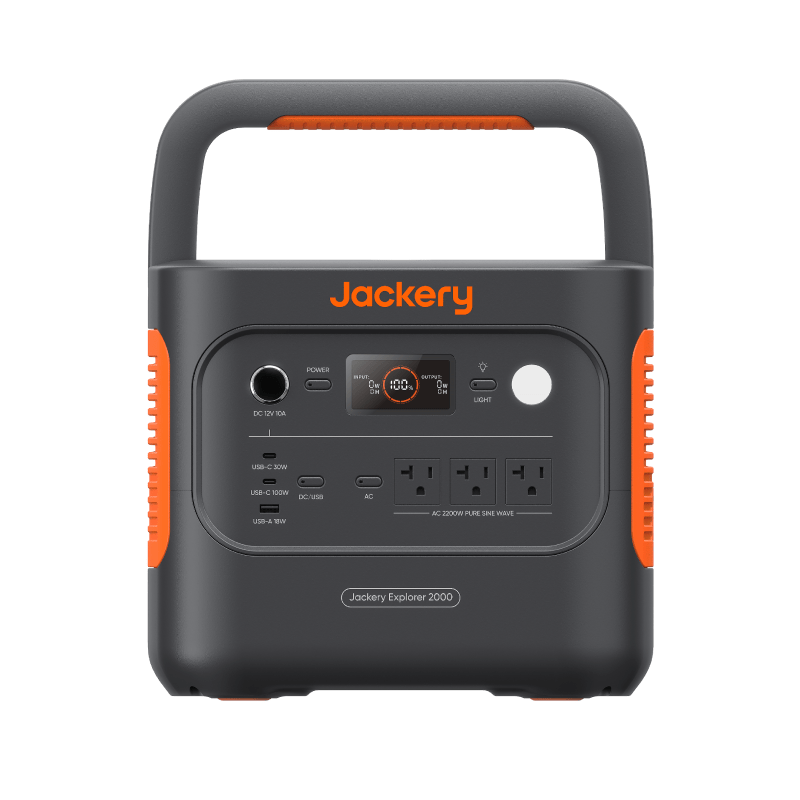
Portable power stations range from the price of a nice dinner to more than a used car, and the marketing at every tier suggests you need the next size up. You usually don’t. People who plan from their real devices tend to need far less capacity than they feared — and the ones who skip that step usually find out after the return window closes.
The overspending trap
Two instincts drive most oversized purchases.
The first is fear-buying. Outage anxiety asks “what if it lasts a week?” — and the budget doubles for a scenario that a battery alone was never going to cover. A week-long outage is a recharging problem (a vehicle, a solar panel, a charged location), not a capacity problem. No portable station stores a week of household power, at any price.
The second is spec maximalism. Bigger numbers feel safer, so a shopper whose math says 400Wh talks themselves into 2,000Wh “to be safe.” That comfort has a real cost: hundreds of extra dollars, forty-plus pounds instead of twelve, slower recharging, and capacity that sits unused through every actual outage.
The antidote to both is the same: size from your devices, not from your worries.
Start from real loads, not marketing scenarios
Product pages love dramatic lineups — a full-size fridge, a TV, a microwave, power tools running at once. Your actual outage list is probably closer to: phone, Wi-Fi router, laptop, a lamp, maybe a fan.
Write down the devices you genuinely need to keep running, then find each one’s realistic wattage in the Device Wattage Library or on its power label. For one device type, the Power Station Sizing Calculator turns running watts, same-device quantity, hours, losses, reserve, and optional startup watts into separate capacity and output requirements. For a mixed list, use the Multi-Device Load Builder so every device and duty cycle stays explicit. Those outputs — not a marketing scenario — are your shopping targets.
As an example: a 60W laptop plus a 10W router for eight hours works out to roughly 730Wh recommended once conversion losses and a reserve are counted. That lands in the 500–1,000Wh class — not the 2,000Wh flagship the ads had in mind.
The five capacity classes
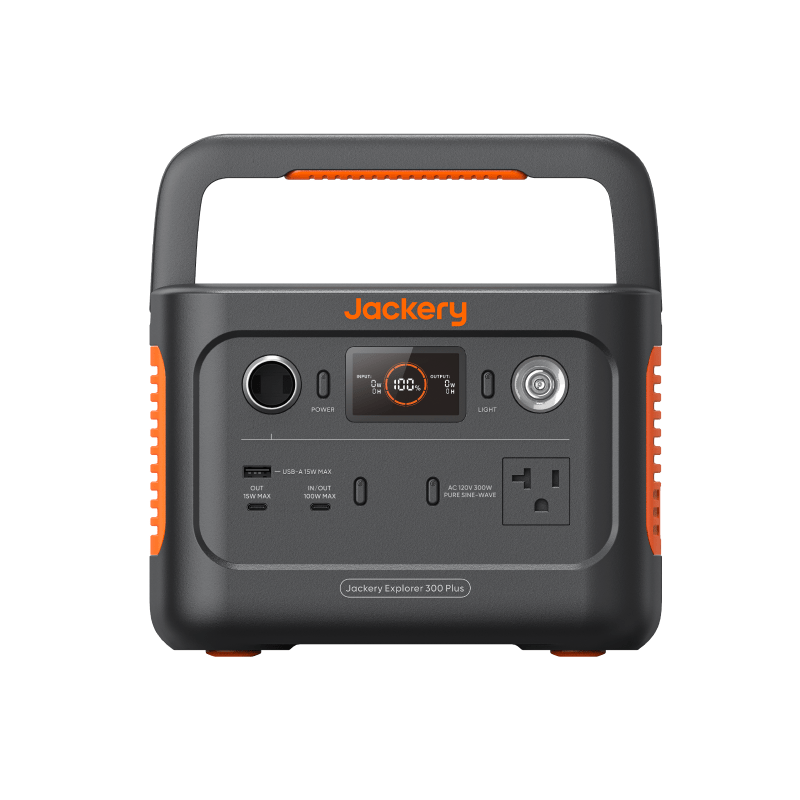
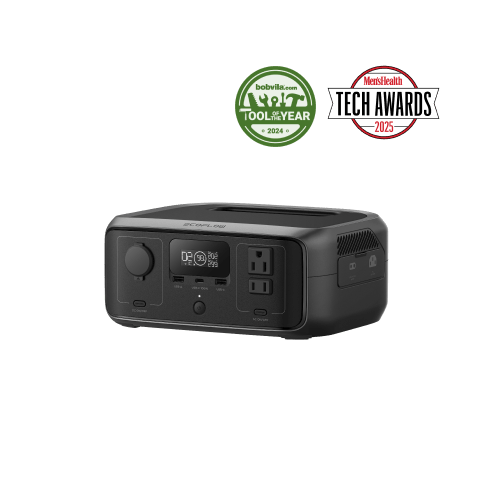
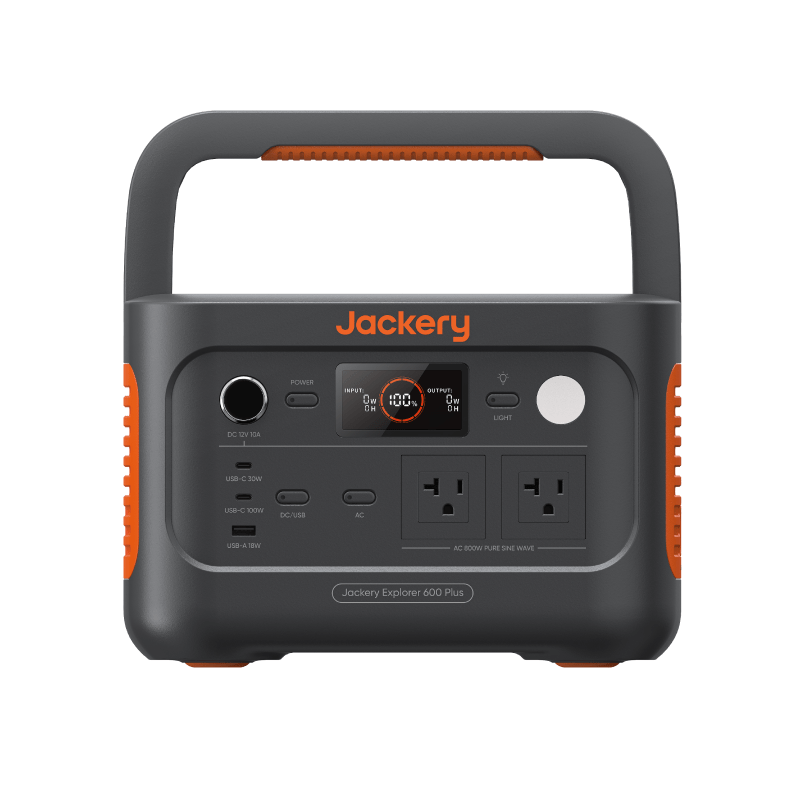
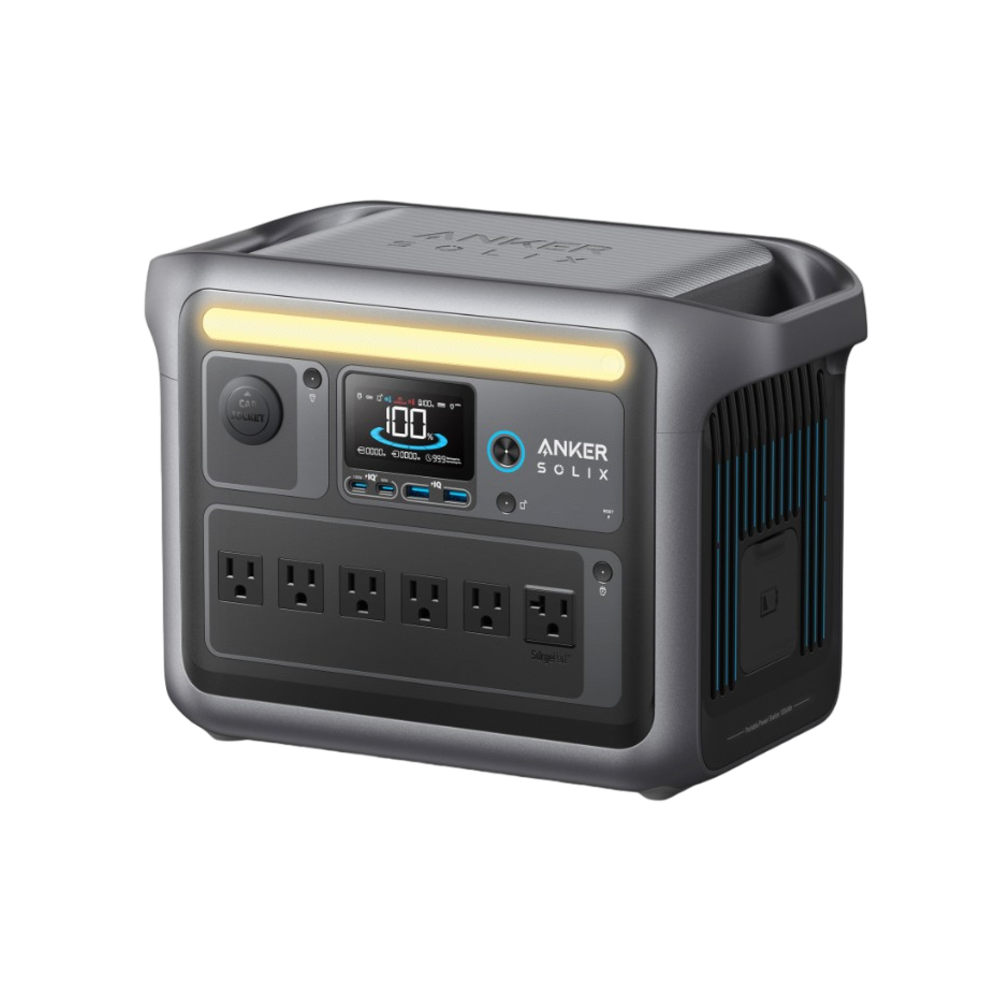
We group stations into five classes across this site, because within a class most mainstream units behave similarly:
| Capacity class | Typical carry weight | What it realistically covers | Who it actually fits |
|---|---|---|---|
| Under 300Wh | 5–10 lb | Phones, lights, and a router for a day; a laptop top-up or two | Commuters, light packers, short-outage plans |
| 300–500Wh | 10–15 lb | A laptop-plus-router workday with phone charging on the side | Remote workers, apartment dwellers |
| 500–1,000Wh | 15–25 lb | A long work-from-home day plus lights, a fan, and small electronics | Households wanting one flexible unit |
| 1,000–2,000Wh | 25–45 lb | A mini fridge for many hours, or essentials across a multi-day outage with recharging | Homes with regular outages, weekend trips |
| 2,000Wh+ | 45 lb and up, often wheeled | Full-size fridge stretches and near-whole-room backup | Frequent long outages, RVs, specific high-draw needs |
The jump between classes is typically hundreds of dollars, so landing one class down — when the math supports it — is the single biggest saving available. The capacity class comparison walks through the trade-offs in more detail.
Specs that matter — and specs that rarely do
Worth real attention
- Watt-hours (Wh). The size of the tank. This is the number your sizing math produced.
- Continuous inverter output (W). The second gate: a station cannot run any device — or combination of devices — that draws more than this, no matter how large the battery is. If that’s surprising, spend five minutes with watt-hours vs watts.
- Surge rating. Fridges and anything with a motor briefly draw far more than their running watts at startup. If the listing does not publish an explicit surge figure, treat the check as unresolved rather than assuming a marketing boost mode will start the load.
- Ports. Count your actual devices. Enough AC outlets and USB-C ports now beats a bag of adapters later.
- Battery chemistry. LFP (lithium iron phosphate) cells are commonly rated for roughly 3,000 or more charge cycles before dropping to 80% capacity; typical NMC ratings sit in the several-hundred range. LFP units are heavier for the same capacity but usually the better buy if you’ll cycle the unit regularly.
Usually safe to ignore on a first unit
App control, elaborate displays, headline fast-charge times you’ll rarely use, and expansion-battery ecosystems (unless you have a concrete expansion plan) all add cost without adding runtime. Treat “UPS mode” claims with caution too: if you truly need instant switchover for always-on gear, a dedicated UPS is usually the better tool — see power station vs UPS vs power bank.
The price-per-watt-hour sanity check
Once you have two or three candidates in the same class, divide each unit’s price by its watt-hours. That single number cuts through most marketing, because it tells you what you’re actually paying for stored energy.
Used well, the check works like this:
- Compare only within a class and chemistry. LFP units fairly command a premium over NMC because they last longer.
- If one unit costs meaningfully more per watt-hour, name the reason — chemistry, output watts, ports, warranty. If you can’t name it, the premium is branding.
- Sales are frequent in this category. A per-watt-hour figure tells you whether a “deal” is genuinely below the unit’s normal level or just theater.
When smaller — plus honest expectations — wins
A 300–500Wh station paired with honest expectations often beats a 2,000Wh unit bought on fear:
- Prioritize during the outage. Charge the laptop while you work, not overnight. Run lights only where you are.
- Plan a recharge path. A car outlet or a modest solar panel turns a mid-size battery into multi-day capability, and costs far less than the next capacity class.
- Let comfort loads wait. Space heating, air conditioning, and cooking are poor fits for any portable battery — a bigger unit doesn’t meaningfully change that.
If the budget is genuinely tight, there’s a sensible order for building capability over time in our budget backup power guide.
Next steps
- Size your real loads with the Power Station Sizing Calculator.
- Sanity-check runtimes for specific devices with the Battery Runtime Calculator.
- See how the capacity classes stack up in the comparison hub.