What a laptop really draws
“Laptop” covers a tenfold range of power draw, which is why generic advice fails here:
- Light office work on an efficient machine — writing, email, browsing, spreadsheets on a modern ultraportable — commonly runs 15–30W.
- Mainstream mixed work — video calls, many browser tabs, occasional heavy tasks on a typical 14–16“ laptop — tends to sit around 30–60W.
- Sustained heavy work — compiling code, editing or rendering video, 3D tools, or any gaming-class laptop under load — runs 65–100W and beyond.
Two wrinkles matter. First, the charger’s rating is a ceiling, not an average: a machine sold with a 100W charger may average 35W through a normal day. Second, a laptop that is recharging its own internal battery pulls extra on top of what it’s using, so draw right after you plug in is higher than steady-state. The only trustworthy number is a measured one — a plug-in watt meter over a working hour, or your operating system’s battery statistics, beats any spec sheet. The watt-hours vs watts guide covers the units if you want the foundation first.
The 8-hour workday math
To run a load for 8 hours, multiply watts by hours, then allow for conversion losses (about 15%) and a 10% reserve you shouldn’t plan to touch. Worked out for three realistic laptop draws:
| Sustained draw | Energy used over 8 hours | Recommended battery | Capacity class |
|---|---|---|---|
| 30W (light office) | 240Wh | ~315Wh | 300–500Wh |
| 60W (mixed work) | 480Wh | ~630Wh | 500–1,000Wh |
| 100W (heavy work) | 800Wh | ~1,045Wh | 1,000–2,000Wh |
The power station sizing calculator runs this for any wattage and any number of hours, and shows which capacity class the answer lands in.
Notice the jump: light office work fits a small, luggable battery, while sustained heavy work needs a unit you won’t want to carry far. If your heavy tasks are occasional rather than constant, size for your average and schedule the heavy work for grid power.
Your laptop’s own battery is part of the plan
The table above assumes the external battery carries the entire day, which is the conservative case. In reality, your laptop arrives with a charged internal battery that covers the first three to six hours of light use by itself. If your machine reliably gives you four hours and you need eight, the external battery only has to supply the remaining four — roughly half the table’s numbers.
Whether to count on that depends on how much certainty you want. Planning for the full day gives you margin for heavy days, aging batteries, and the colleague who needs a charge. Planning for the remainder saves real money. Just decide deliberately rather than discovering the difference at 2 p.m.
Power banks vs power stations for laptops
For laptop work specifically, the split is cleaner than the marketing suggests:
- A USB-C PD power bank (90Wh class) is silent, flight-legal under the 100Wh carry-on limit, and feeds a laptop efficiently over DC. It adds roughly two to four hours to an efficient machine — a strong choice for travel and for stretching light days. It cannot run a monitor or anything that needs an AC outlet.
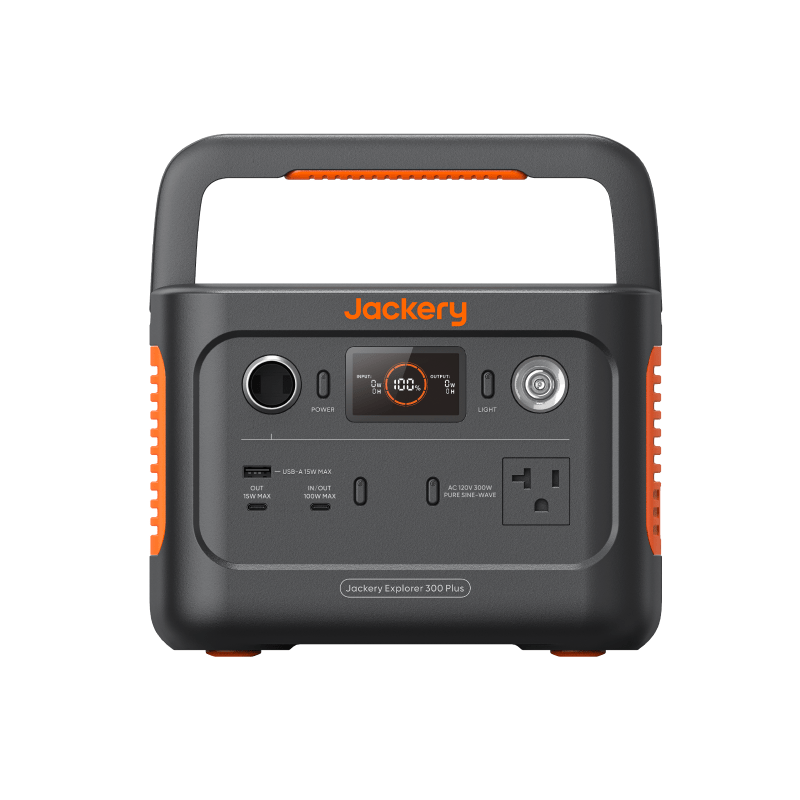
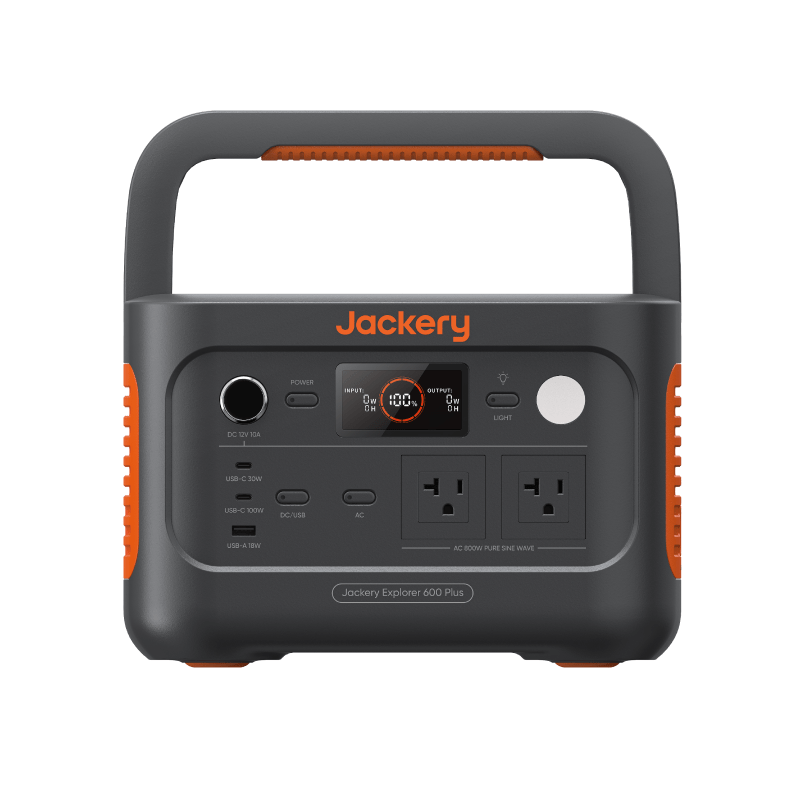
- A power station (300Wh and up) brings AC outlets for monitors and barrel-plug chargers, several times the capacity, and faster recharging — at the cost of size, weight, and airline ineligibility. It’s the right call for a full desk setup, an outage, or heavy sustained draws.
Check the output rating either way: the battery’s USB-C port must supply at least what your laptop wants (commonly 45–100W), or the laptop will drain slowly even while “charging.” If the labels still blur together, compare UPS vs power bank vs power station first; the comparison hub then puts specific categories side by side.
The overhead people forget
Workday estimates usually die by a thousand small cuts, not the laptop itself. A realistic desk adds up fast: an external monitor draws 15–30W, a second monitor doubles that, a USB hub and its attached drives add a few watts, and phone charging borrows more. A “60W laptop day” with one monitor and normal peripherals is really a 90–100W day — which moves you a full capacity class up the table above.
Budget the whole desk, not the laptop. List everything you genuinely need powered, look up typical figures in the device wattage library, and be honest about what can stay off. Dropping a second monitor for outage days is free capacity.
Charging strategy: top up or run continuously
There are two ways to use an external battery through a workday, and the difference is bigger than it looks:
- Run continuously: laptop stays plugged into the battery all day. Convenient and predictable, but you pay inverter losses if you’re on AC, plus the battery’s own overhead for every working hour.
- Top up in cycles: work from the laptop’s internal battery, then recharge over USB-C while you take a break or during lighter tasks. DC charging is efficient, the external battery rests between cycles, and small batteries stretch further.
For power banks, top-up cycles are the natural pattern. For power stations with your whole desk attached, continuous is fine — just switch the AC inverter off when nothing needs it, because inverter idle draw quietly eats stored energy. That gap between paper math and real behavior is exactly why runtime estimates are usually wrong — assume some slippage and keep margin.
Next steps
- Size your own workday with the power station sizing calculator.
- Look up your monitor and peripherals in the device wattage library.
- Compare small stations and power banks in the comparison hub.