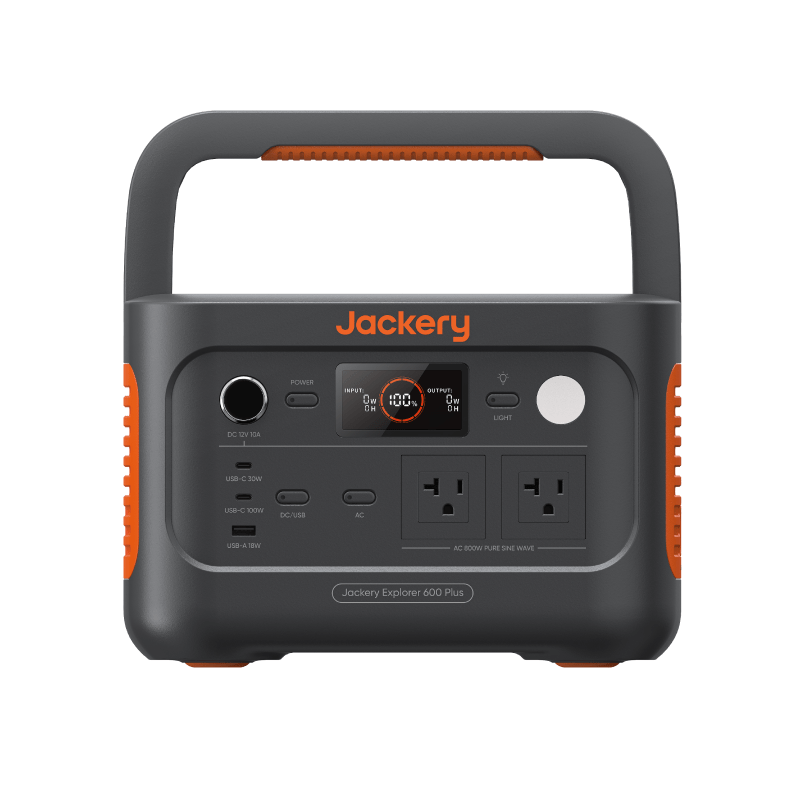
You buy a 1,000Wh power station expecting the “up to 16 hours of laptop use” from the listing, and you get eleven or twelve. Nobody lied, exactly — but the listing’s math and your living room run on different rules. Understanding the gap turns runtime from a marketing claim into a number you can plan around.
Where the marketing number comes from
Most advertised runtimes are simple division under ideal conditions: rated capacity ÷ device watts, often using a flattering wattage for the device. No conversion losses, no reserve, fresh battery, room temperature.
Here’s the same laptop estimate, stepped toward reality:
| Estimate method | The math | Result |
|---|---|---|
| Marketing math | 1,000Wh ÷ 60W | 16.7 hours |
| With 85% conversion efficiency | 850Wh ÷ 60W | 14.2 hours |
| With a 10% reserve held back | 765Wh ÷ 60W | 12.8 hours |
That last row is how every calculator on this site works, and it’s usually within shouting distance of real life. The rows in between are where the marketing hours quietly leak away.
Loss one: the inverter isn’t free
Batteries store DC power; your wall-plug devices want AC. The inverter that converts between them wastes some energy as heat — commonly in the neighborhood of 10–20% for AC loads.
There’s a second, sneakier cost: the station’s own electronics draw power just by being on, from a couple of watts to a couple dozen depending on the unit. That overhead barely matters when you’re running 300W of gear, but it dominates small loads. Powering a 5W router through an inverter that idles at 10W means most of the battery feeds the machine, not the router. When a device can run from a USB or 12V port instead of the AC outlet, use it — skipping the inverter often recovers meaningful runtime.
Loss two: devices don’t draw their label number all day
The wattage printed on a device is a point-in-time figure, not a constant. Real devices breathe:
- Fridges cycle. A compressor might run twenty minutes an hour, so a “150W” fridge may average 50W or less — while still needing a large surge to start. This cuts both ways and is why fridge sizing deserves its own care; see small fridge backup power basics.
- Laptops swing. The same machine idles at 15–25W and pulls 60W or more under video calls, compiles, or games. A full-workday estimate lives or dies on which figure you use — laptop battery backup for a full workday walks through it.
- Chargers taper. A phone charging pulls its peak wattage only briefly, then ramps down as it fills.
A single-number estimate is inherently an approximation of this moving target. The fix is estimating from a realistic average, which is exactly what measurement gives you.
Loss three: age, temperature, and the battery itself
Batteries are chemical devices, and chemistry has opinions:
- Cycles fade capacity. Cells are typically rated for some number of charge cycles before they hold about 80% of original capacity. A three-year-old, heavily used unit simply carries less than its label.
- Cold shrinks what you can use. Low temperatures meaningfully reduce available capacity and can slow or block charging. A station stored in a freezing garage delivers noticeably less in January than it did in July.
- Heat ages cells faster. Regularly baking a battery in a hot car shortens its useful life.
None of this makes batteries a bad buy — it means estimates should assume a battery in the real world, not one on a spec bench.
Why hold a reserve at all
Even a good estimate is still an estimate. Outages outlast forecasts, someone charges a phone you didn’t plan for, and batteries shut themselves down slightly above true empty to protect their cells. Keeping roughly 10% in reserve absorbs all of that — and routinely draining a battery to zero is also harder on most chemistries than stopping short. Planning to use everything is planning to be surprised.
Our defaults: 85% efficiency, 10% reserve
The Battery Runtime Calculator starts with 85% AC efficiency and a 10% reserve, leaving 76.5% of label capacity when its usable-capacity factor and duty cycle both stay at 100%. It exposes all four assumptions: lower the usable factor when documented capacity is below the label, use duty cycle only for a genuinely cycling load, choose the matching AC or direct DC path, and keep reserve separate. The full reasoning lives on how we estimate.
The real fix: measure with a cheap watt meter
Every method above still leans on assumed device wattage — and the assumption is the weakest link. An inexpensive plug-in watt meter removes it. Plug the meter into the wall, plug your device into the meter, and read the actual draw.
Two readings are worth taking:
- Instantaneous watts while the device does what it normally does — a laptop on a video call, not asleep.
- Total kWh over 24 hours for cycling devices like fridges. Divide by 24 (then multiply by 1,000) to get true average watts — the only honest sizing number for a compressor.
Use measured watts in your estimates and the watt-hours math turns from rough to genuinely dependable. The Device Wattage Library is a fine starting point, but your meter beats our table every time.
Measuring the power station itself is a different job from measuring the appliance. Our portable power station test protocol publishes the repeat rules, result fields, and safety boundaries we would use. Its current product-result count is zero, so it is a method—not evidence that any listed station has been tested.
Next steps
- Re-run Wh or Ah × V with an explicit usable factor, duty cycle, power path, and reserve in the Battery Runtime Calculator.
- For a camera, drone, laptop, and lighting kit, use the Camera & Drone Power Planner to total mission energy before checking station output.
- Start from honest device figures in the Device Wattage Library.
- Read the full methodology on how we estimate.
- Review the versioned portable power station test protocol and its blank result templates.