Battery Runtime Calculator
Convert Wh or Ah × V into a realistic runtime for one load. The calculator shows every adjustment — usable capacity, power-path efficiency, duty cycle, and reserve — so the result can be checked and shared without hiding assumptions.
Estimate your runtime
Results update as you type. Every assumption is visible and bounded.
Estimated runtime 7 hr 39 min after a 10% reserve.
Reserve gauge: 10 percent reserve. Estimated runtime 7 hr 39 min.
7 hr 39 min
BUFFER SET7.65 hours after a 10% reserve.
Before reserve: 8 hr 30 min (8.50 hours).
500 Wh normalized capacity × 100% usable factor, then conversion losses and reserve.
A 500 Wh battery sits in our 500–1,000Wh class.See how it compares.
Keep this plan current
Get the printable planning checklist now, plus short notes when a pick on this page changes or genuinely drops in price. Occasional only — unsubscribe anytime.
Battery runtime formula
The calculator normalizes capacity and load before applying the published losses:
normalizedWh = Wh, or Ah × nominal voltsaverageWatts = loadWatts × (dutyCycle / 100)usableWh = normalizedWh × usableFactor × efficiency × (1 − reserve)runtimeHours = usableWh ÷ averageWattsThe usable-capacity factor describes how much label capacity you plan to draw. Efficiency accounts for the selected AC, direct DC, or custom conversion path. Duty cycle converts a cycling load to average watts. Reserve is the final planning buffer. Each factor is applied once and remains visible in the result and downloaded report.
Default assumptions
- 100% usable capacity — label capacity is taken at face value until you adjust it.
- 85% AC efficiency — a conservative general planning preset for an inverter path.
- 100% duty cycle — the entered load is treated as steady until you adjust it.
- 10% reserve — capacity held back for uncertainty rather than promised runtime.
These are planning assumptions, not guarantees or product-specific test results. Read the full method on How we estimate.
What to do with this number
Some links on this page may be paid links. If you buy through them, Cynosure LLC may earn a commission at no extra cost to you. We do not claim to have personally tested products unless clearly stated.
Backup power stations by capacity class
Map the normalized-capacity result to a class with these catalog picks, smallest to largest.
Some links on this page may be paid links. If you buy through them, Cynosure LLC may earn a commission at no extra cost to you. We do not claim to have personally tested products unless clearly stated.
| Product | Capacity | Output | Ports | Weight | Est. price | Ideal for | Link |
|---|---|---|---|---|---|---|---|
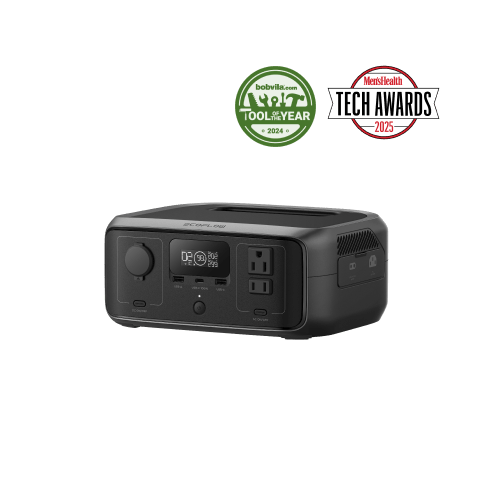
| EcoFlow RIVER 3 Portable Power StationEcoFlow | 245Wh | 300W AC | 3× AC outlet (300W, 600W X-Boost), USB-C, USB-A, Car port | 8.4 lb | $149–$219 | Keeping a router, modem, phones and small electronics running for hours, A light, grab-and-go outage or travel unit, Fast recharge with sub-20ms UPS passthrough | See current price |
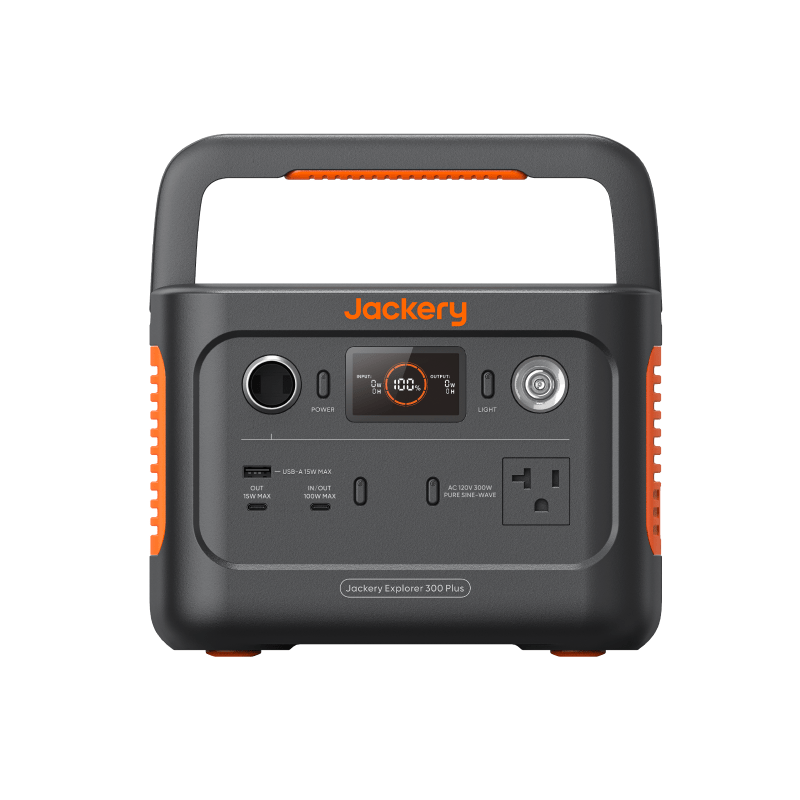
| Jackery Explorer 300 Plus Portable Power StationJackery | 288Wh | 300W AC | AC ×1 (300W, 600W surge), USB-C ×2 (100W max), USB-A ×1, 12V car port | 8.27 lb | $200–$300 | Router and modem backup for a workday, Charging phones and tablets for days, A laptop for a few hours via the 100W USB-C port, Car trips and short outages | See current price |
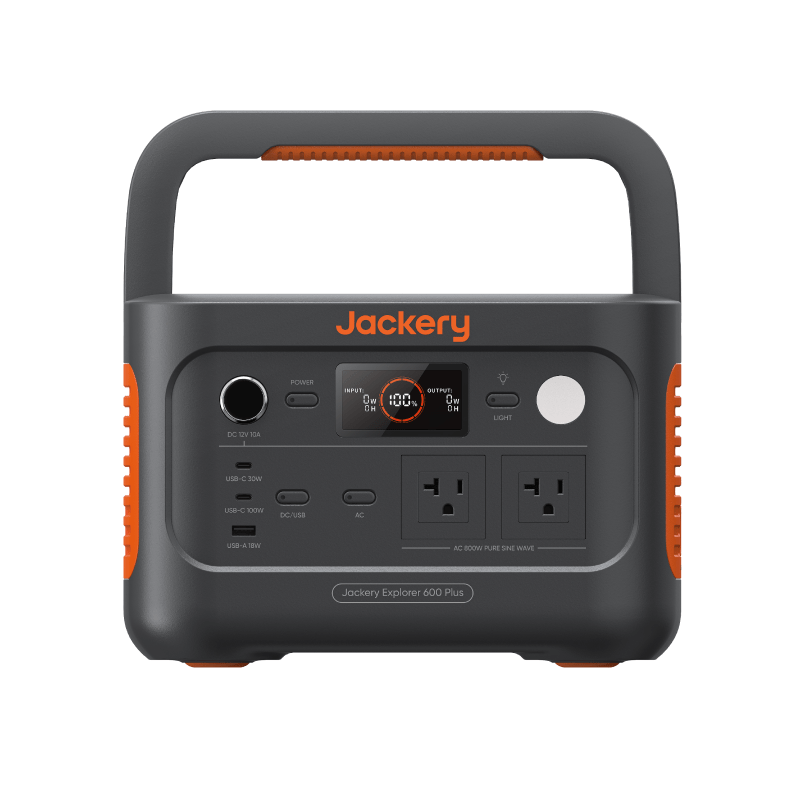
| Jackery Explorer 600 Plus Portable Power StationJackery | 632Wh | 800W AC | AC ×2 (800W total, 1600W surge), USB-C 100W, USB-C 30W, USB-A 18W, 12V car port | 16.1 lb | $300–$500 | A full laptop workday plus phone charging, A day or more of router and modem backup, Weekend camping electronics, Fans, lights, and a CPAP-class device together | See current price |
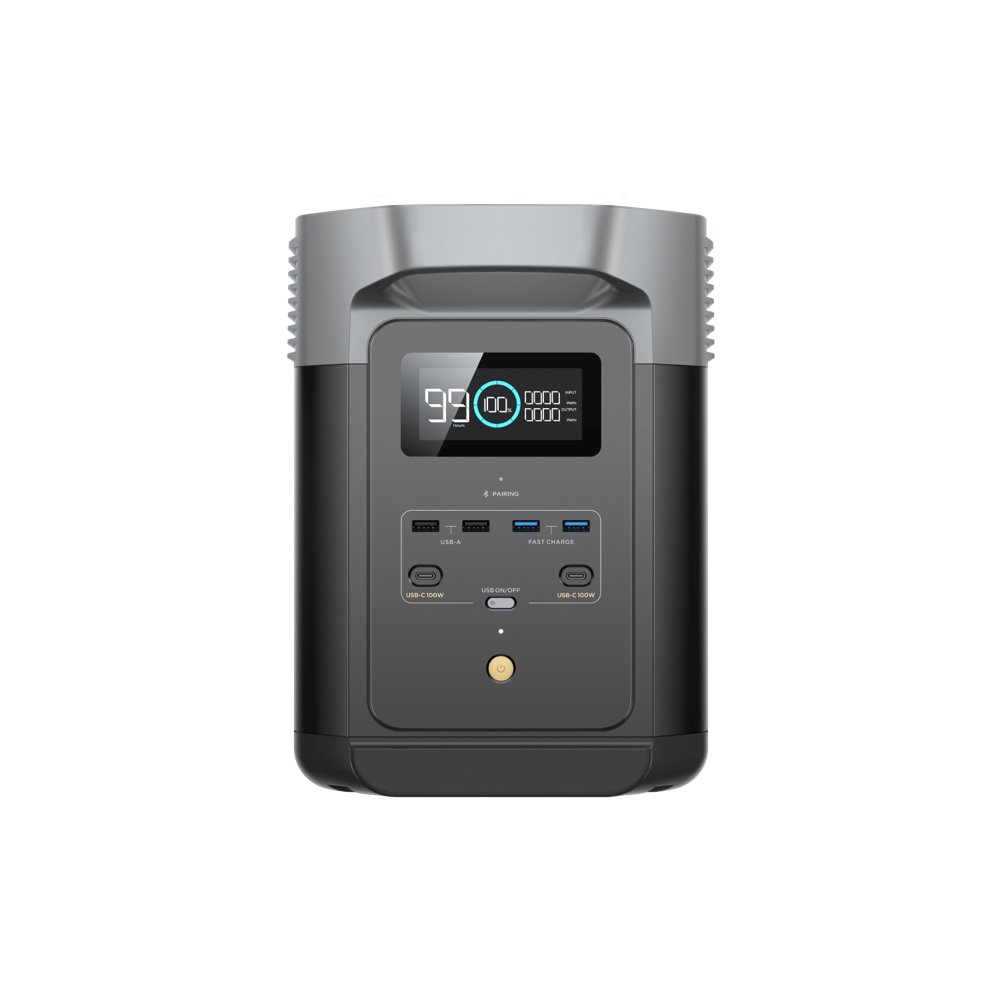
| EcoFlow DELTA 2 Portable Power StationEcoFlow | 1,024Wh | 1,800W AC | 4× AC outlet (1800W, 2700W surge), 2× USB-C (100W), 2× USB-A, Car port | 27 lb | $499–$999 | Carrying a fridge plus electronics through a multi-hour outage, Home backup you can expand later (to 2048Wh+ with add-on batteries), Fast recharge — roughly 0–80% in under an hour | See current price |
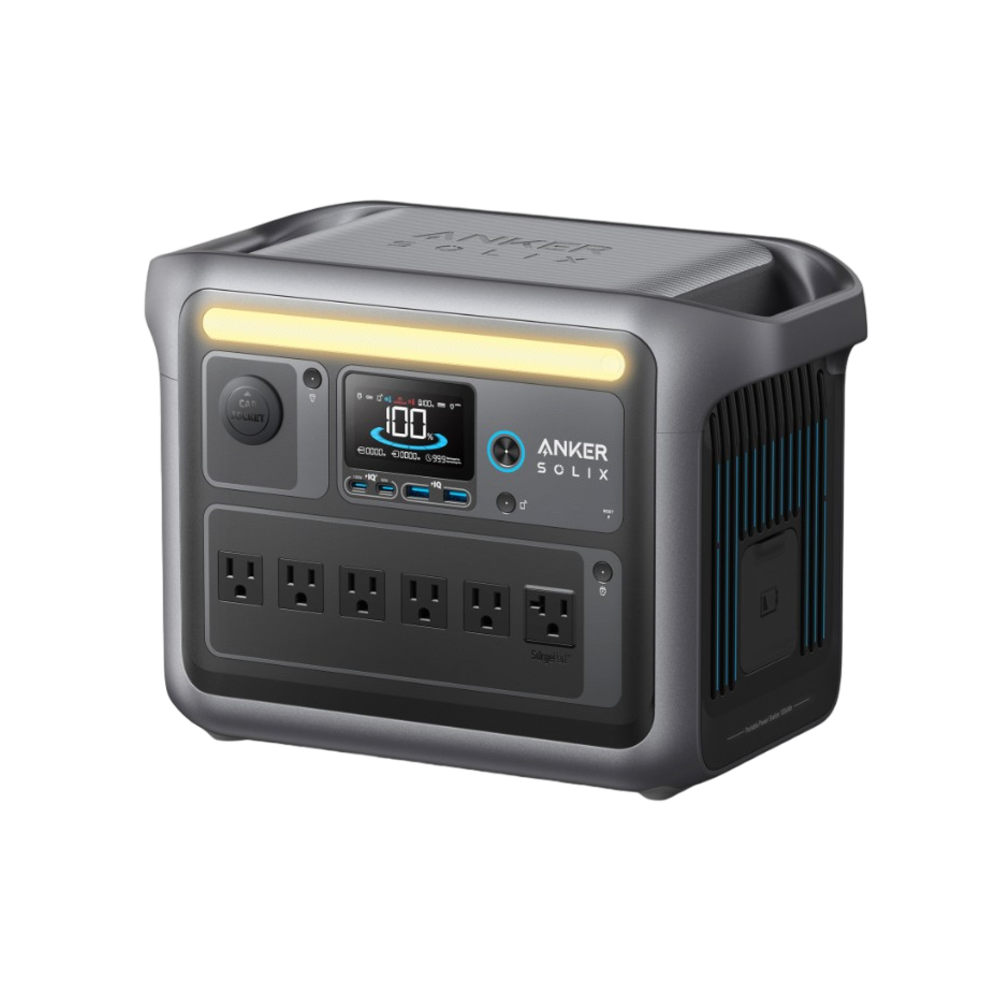
| Anker SOLIX C1000 Portable Power StationAnker | 1,056Wh | 1,800W AC | AC ×6 (1800W total, 2400W surge), USB-C 100W, USB-C 30W, USB-A ×2 (12W), 12V car port (120W) | 28.4 lb | $400–$650 | Multi-day phone and internet backup, A full-size or mini fridge in duty cycles (1800W continuous, 2400W surge), Family camping trips with several devices at once, Fast top-ups between outages — 80% in 43 minutes from the wall | See current price |
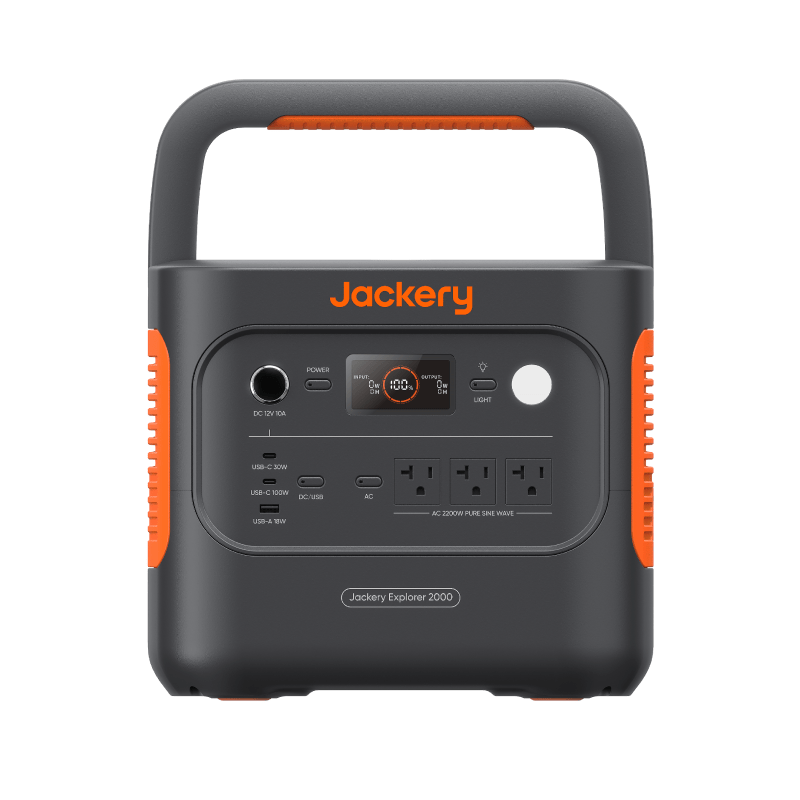
| Jackery Explorer 2000 v2 Portable Power StationJackery | 2,042Wh | 2,200W AC | AC ×3 (2200W total, 4400W surge), USB-C 100W, USB-C 30W, USB-A 18W, 12V car port (120W) | 39.5 lb | $700–$1,100 | Days of essentials during long outages, A full-size refrigerator in duty cycles, High-draw devices up to 2,200W, Sub-20ms switchover keeps a router or NAS online when the grid drops | See current price |
Prices last checked between 2026-07-08 and 2026-07-09; review overdue — verify current listings
Specific products picked for each class — we haven't hands-on tested them, so verify capacity, continuous output, surge ratings, and current specifications on the listing. Commissioned links, at no extra cost to you.
Frequently asked questions
How do I convert amp-hours and volts to watt-hours?
Multiply amp-hours by nominal volts. A 100Ah, 12.8V battery is 1,280Wh. Select Ah × V here and the calculator performs that normalization before applying the other assumptions.
What does usable capacity or depth of discharge mean?
It is the share of label capacity you expect to draw from the battery before conversion losses or reserve. Use the battery maker’s documented usable-capacity guidance when available; 100% simply takes the label rating at face value.
Why is my real runtime lower than the number advertised on the box?
Label capacity does not all reach the device. Conversion losses, a less-than-full usable-capacity factor, battery condition, temperature, and a planning reserve can all reduce the result. This calculator keeps those assumptions visible instead of hiding them.
What is duty cycle?
Duty cycle is the percentage of time the load is actively drawing its entered wattage. A 100W device running half the time has a 50W average load. Use 100% for a steady load; use a measured or well-supported percentage for a cycling device.
Which efficiency option should I use?
Use the 85% AC preset when the device plugs into an inverter-powered outlet. Use the 93% direct DC preset for a compatible regulated DC output. Choose custom only when you have a documented efficiency value for the exact setup.
Can this confirm that a battery will start a refrigerator or other motor load?
No. Runtime covers energy, not output capability. Verify that continuous output covers running watts and that surge output covers startup demand. The multi-device calculator is the better tool when several loads must run together.
Calculations are estimates only. Real runtime depends on battery age, inverter efficiency, device behavior, temperature, surge loads, manufacturer limits, and actual measured wattage. Always verify product specifications before buying or relying on a setup.
Affiliate disclosure
Some links on this page may be paid links. If you buy through them, Cynosure LLC may earn a commission at no extra cost to you. We do not claim to have personally tested products unless clearly stated.